


My Roles
Lead Product Designer & Product Manager
Project Duration
4 months
My Responsibilities
- Co-owned product direction with the other PM. - Led from strategies, research, problem definition, MVP shaping, end-to-end design (UX/UI/VD) to outcome analysis alongside PM and Dev. - Managed the full product lifecycle with PM
01. Context

Why?
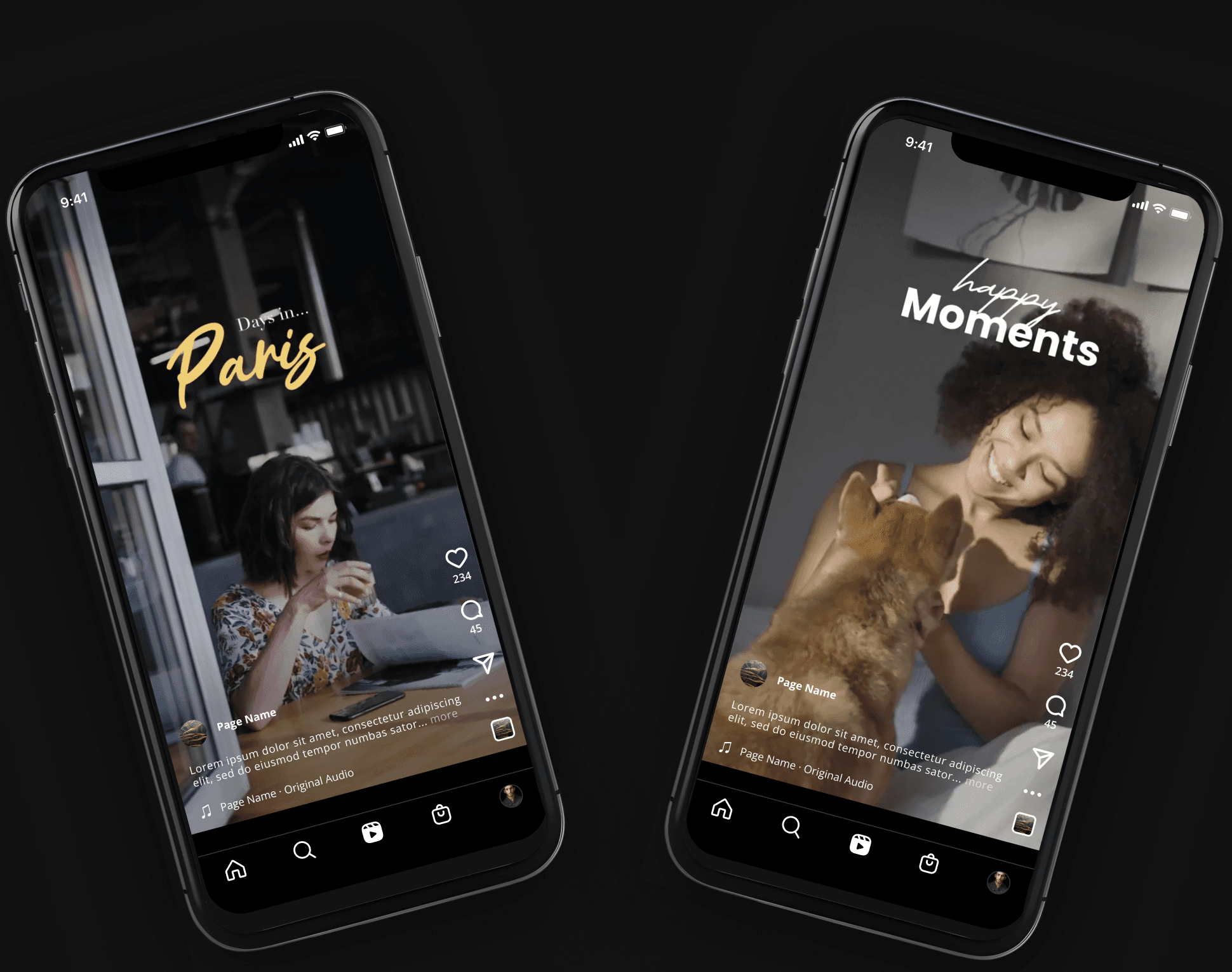
Ever made recap videos for loved ones?
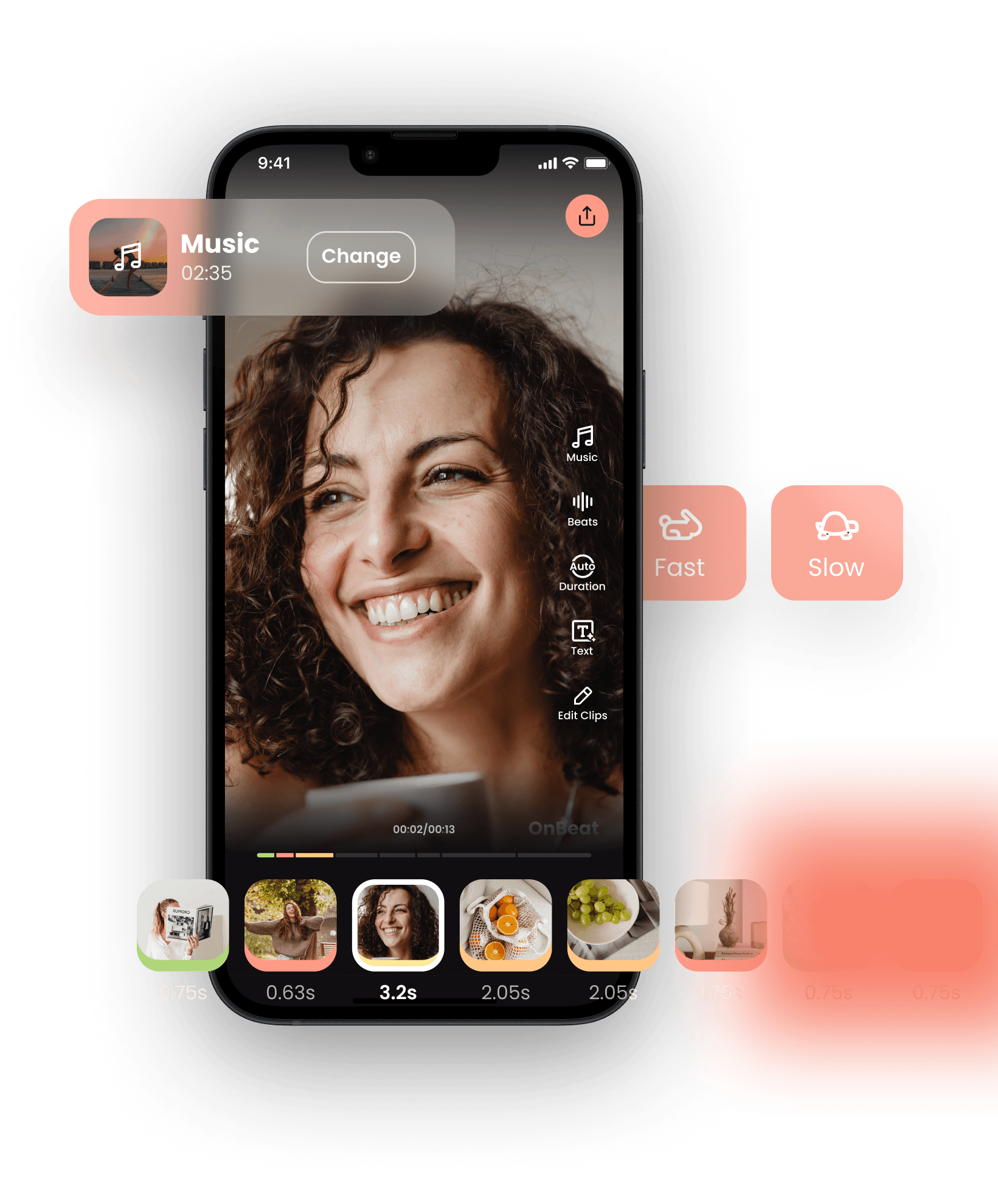
OnBeat helps users create beat-synced videos without manual beat matching. Unlike other apps, OnBeat not only keeps your clips on beat but also gives you the flexibility to make them to your liking.
Business Goal
The goal is to increase activation and retention
Problem
High drop off before exporting
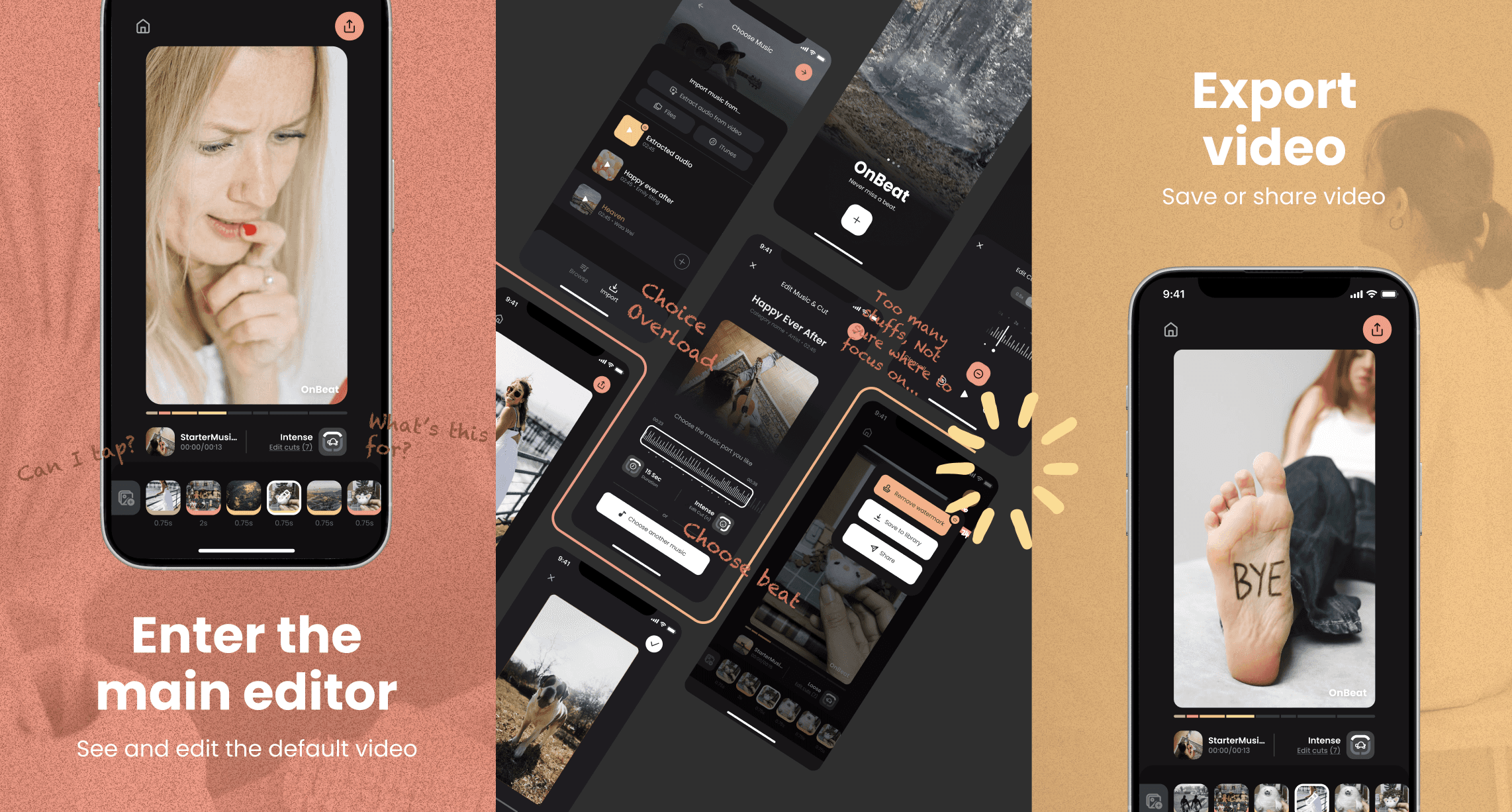
As a data-driven team, our main goal is to increase activation and retention. Currently, after adding clips, users can view the beat-synced video. However, there’s a significant drop-off between entering the main editor and exporting.
Research -> Insights
Unstructured information and values stop users complete the video
Then, I led further data analysis and eight user feedback sessions, leading to 2 key insights:
Insignt 1
OnBeat’s flexibility attracts users from rivals
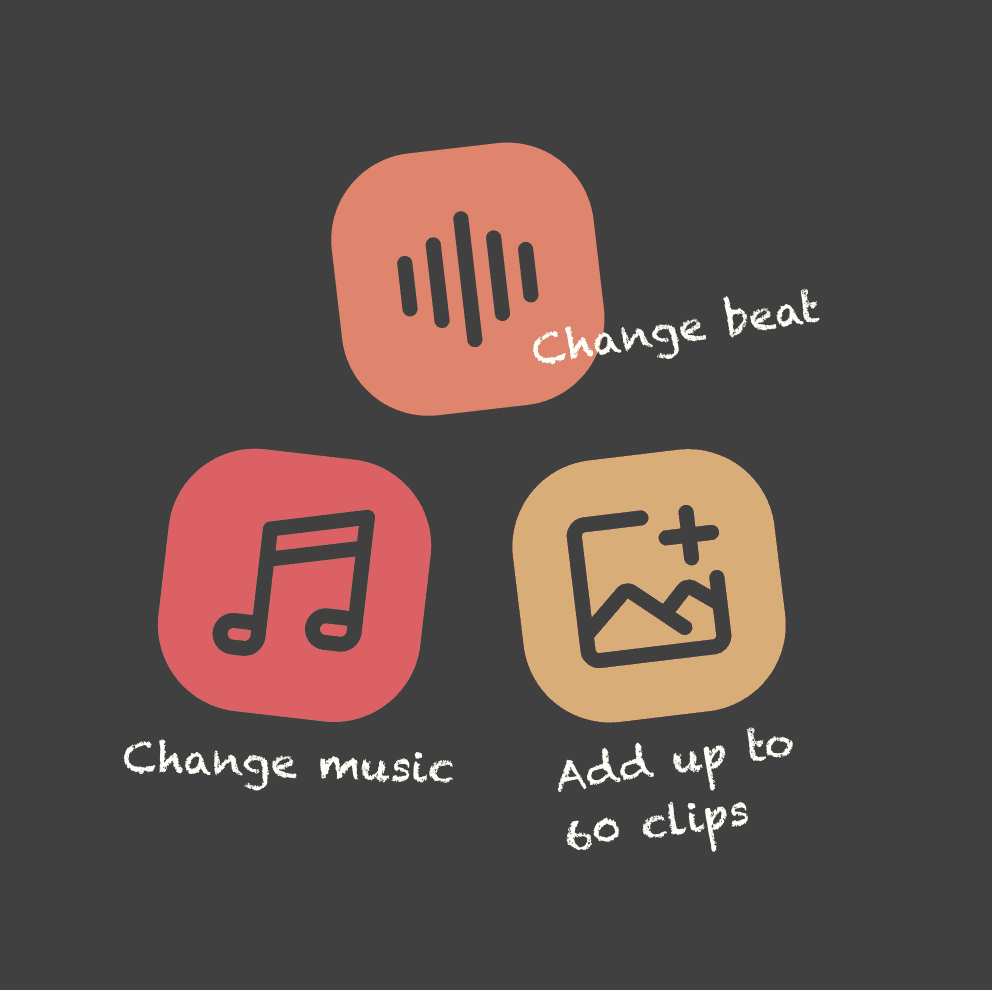
Unlike competitors, OnBeat offers the flexibility to change music, adjust beats, and add up to 60 clips. Moreover, no matter how users edit, their videos will always stay on beat!
Insignt 2
Complexity reduces value adoption from users
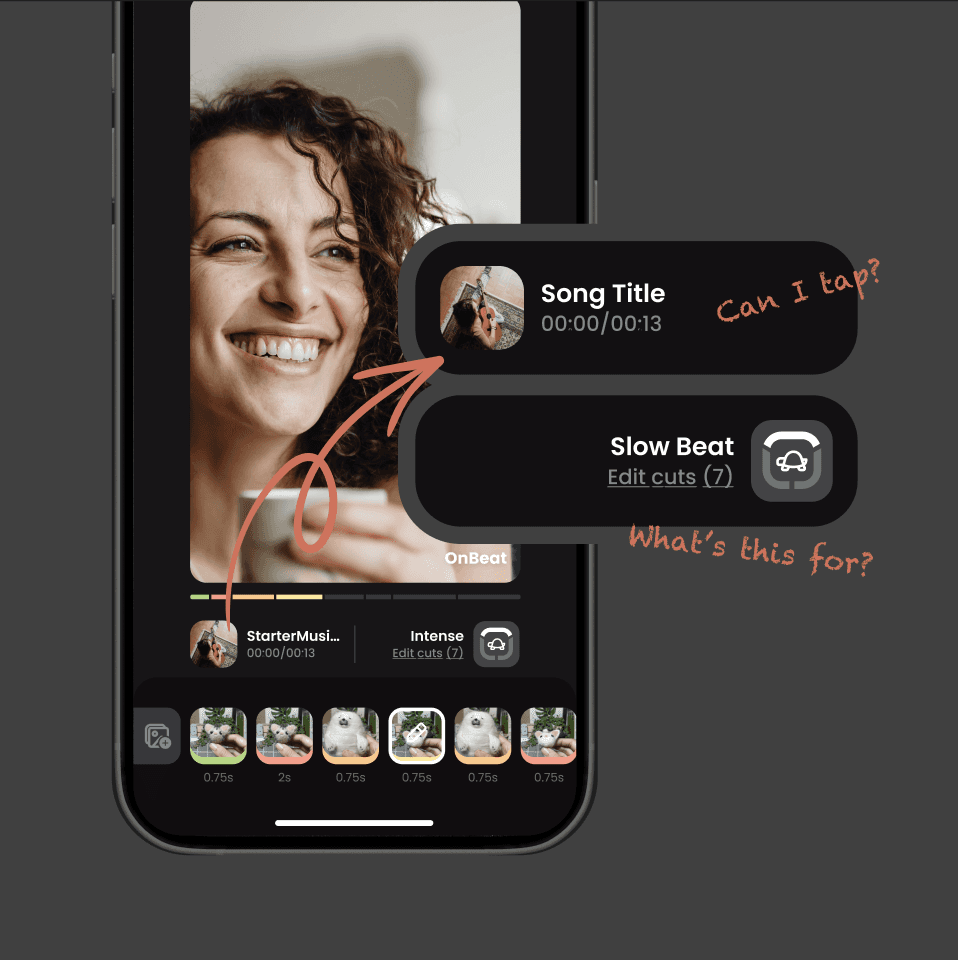
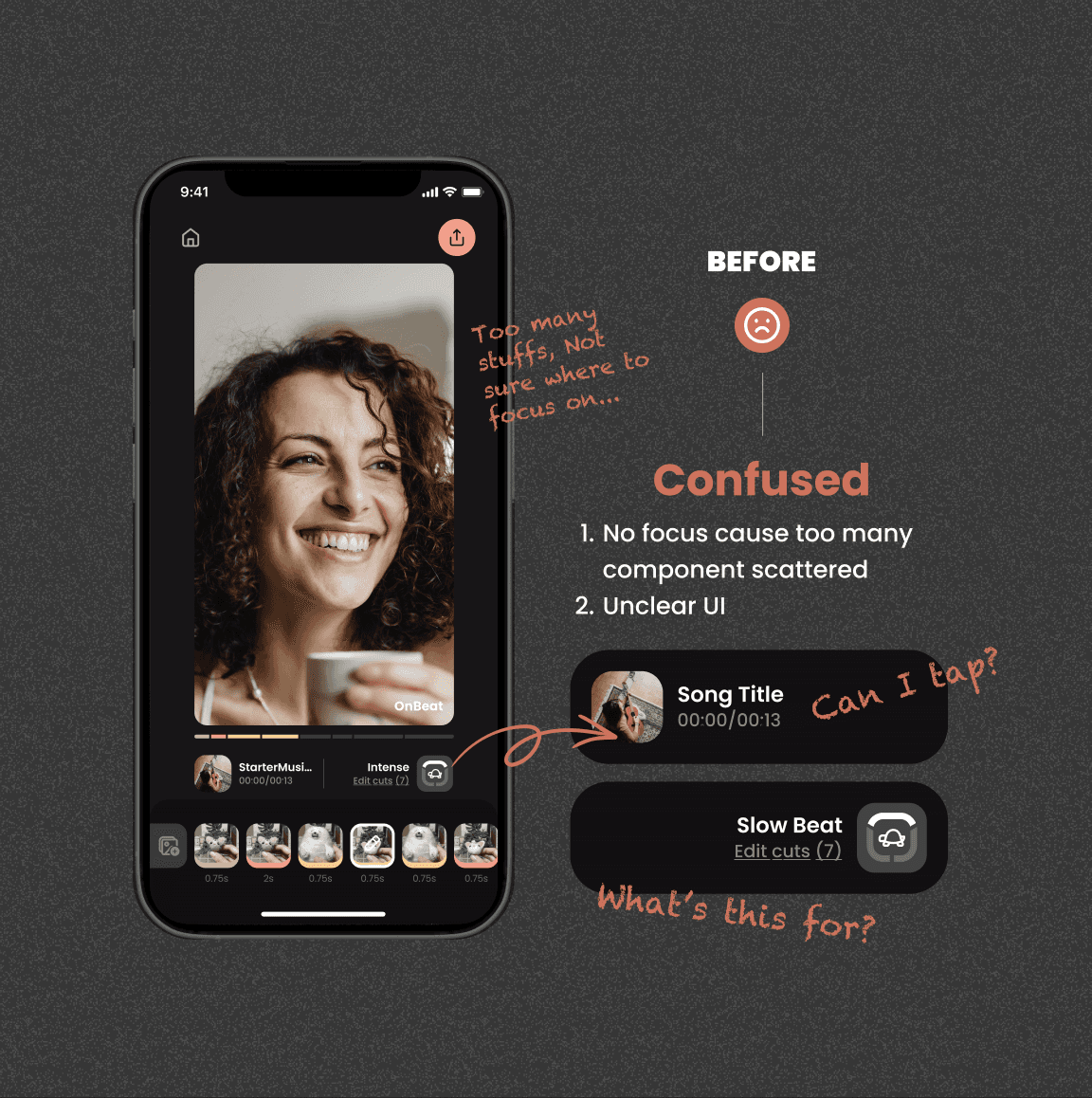
We found that some users didn’t realize they could edit while maintaining beat sync because the UI was too complex and unclear.
Challenge
Executing fast without losing strategy as a small team. The challenge of being both PD & PM
02. Strategy
Restructure values and UX to boost activation and retention.
Instead of presenting all information simultaneously (which can be overwhelming), we prioritized our offerings to encourage deeper exploration and frequent user returns.
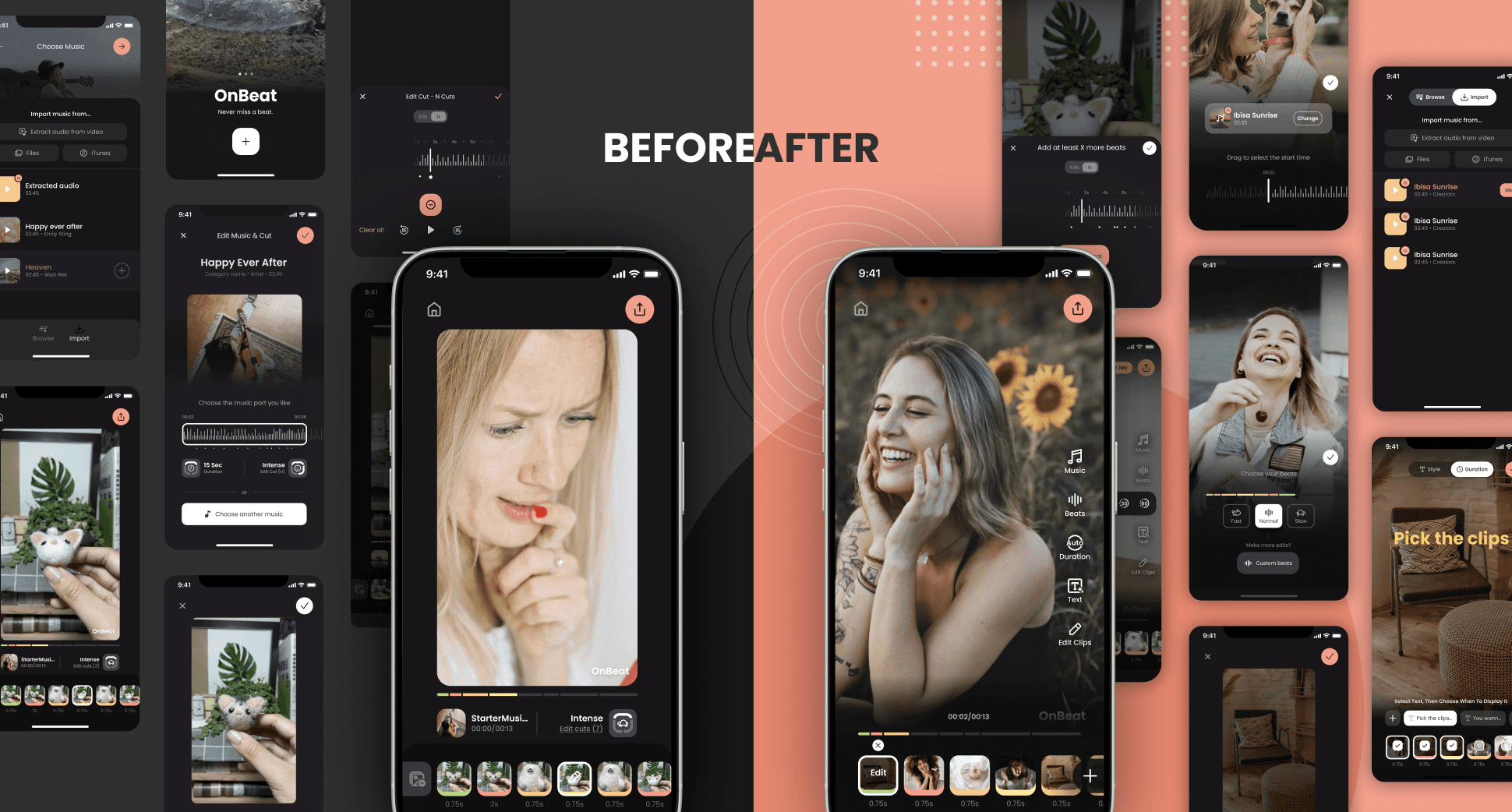
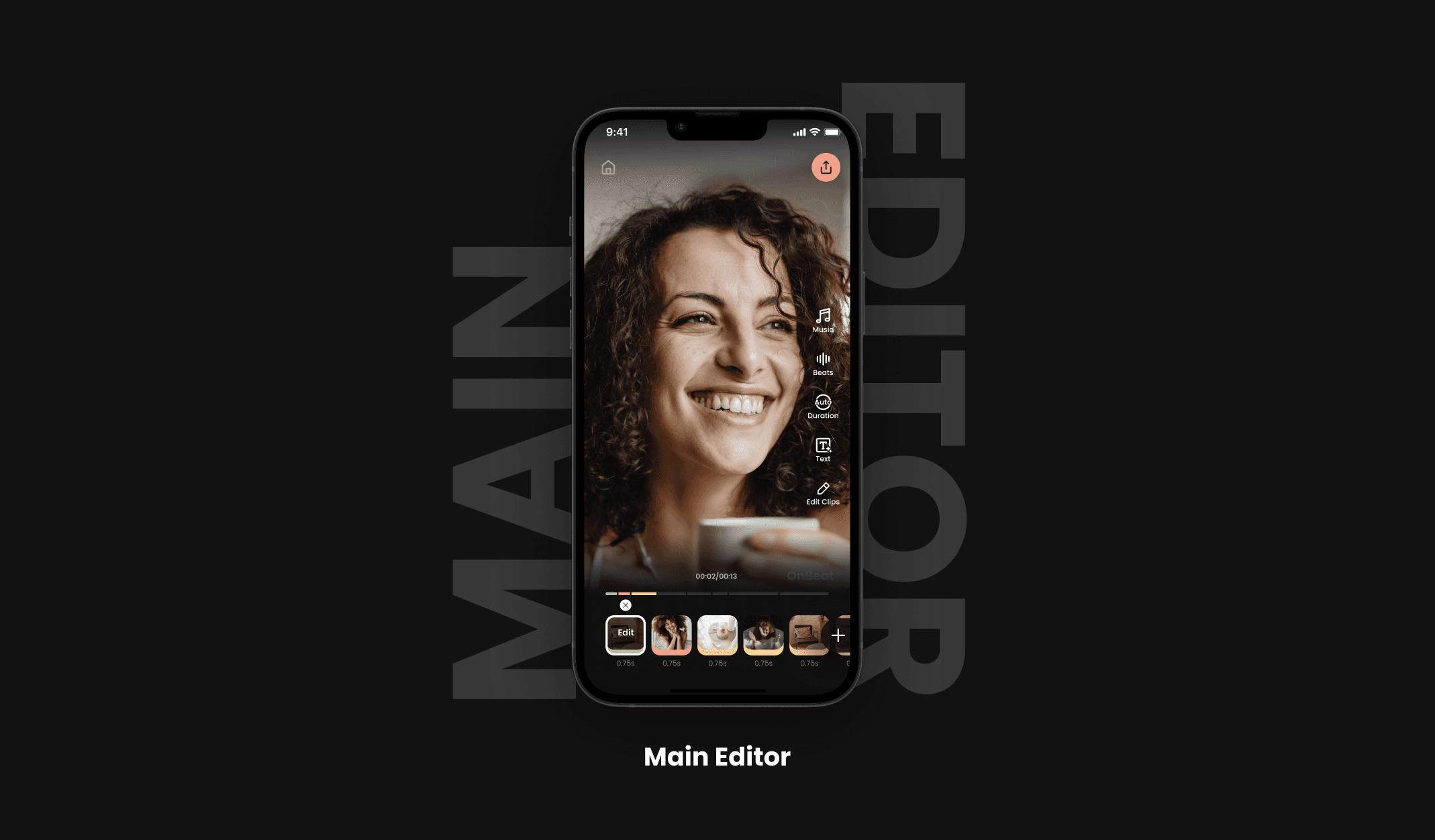
Sneek peek of the final design
Then, I’ll explain how the strategy applies to design tactics.
03. Tactics!
Design strategy
Show core values strategically
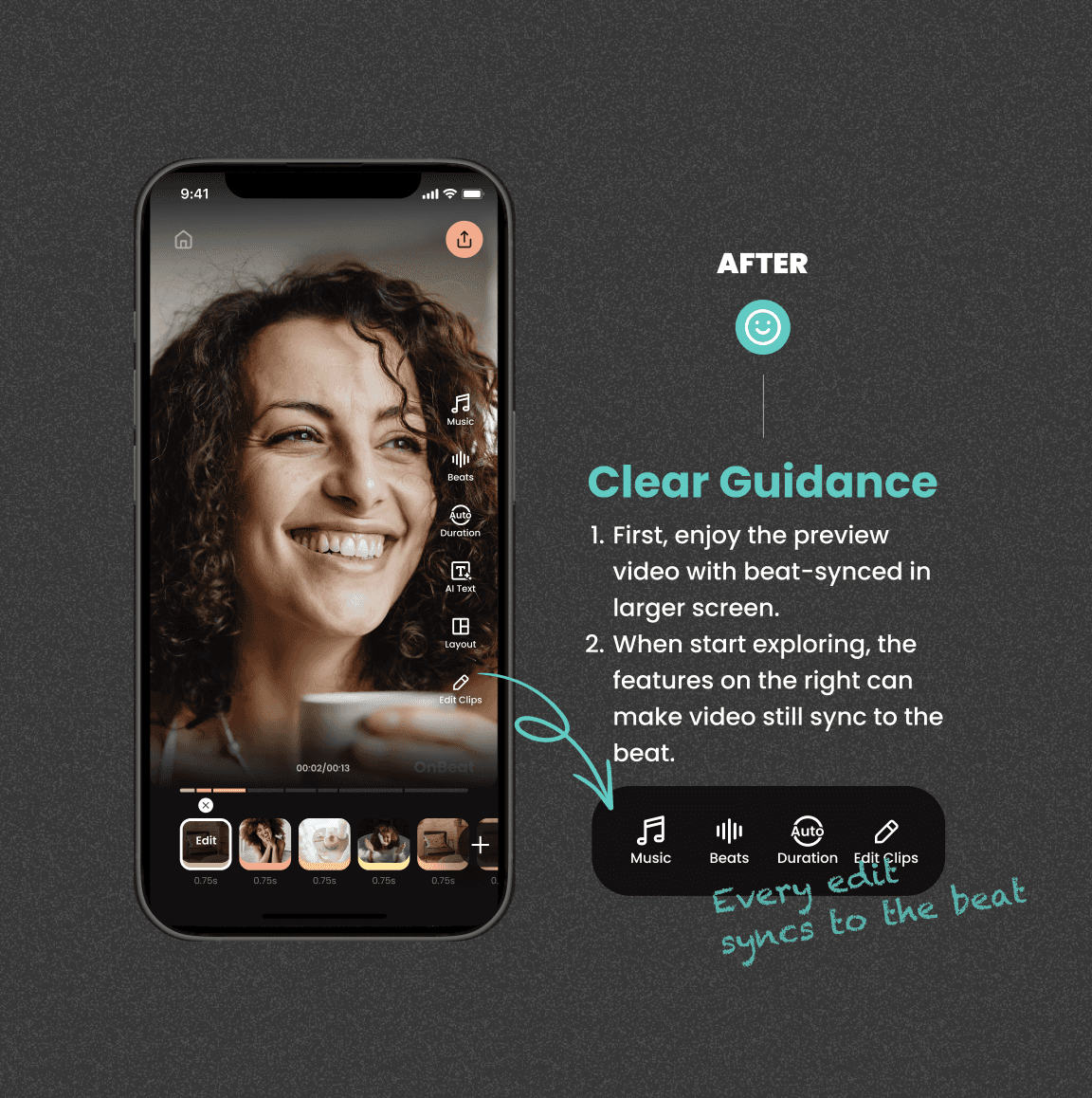
We identified two core values from our research: “Enhancing Auto-sync to the Beat” and “Sync as You Edit.”
To optimize the user experience, we reordered their presentation—prioritizing “Auto-sync to the Beat” first to ensure users grasp its value before introducing “Sync as You Edit.” We perfected “Auto-sync to the Beat” to provide a seamless experience, then guided users to explore “Sync as You Edit.”
How did we identify our 2 core values ?
I led the research, identified trends and key pain points, and found opportunities to offer a more flexible editing UX for beat-sync.

Market Research


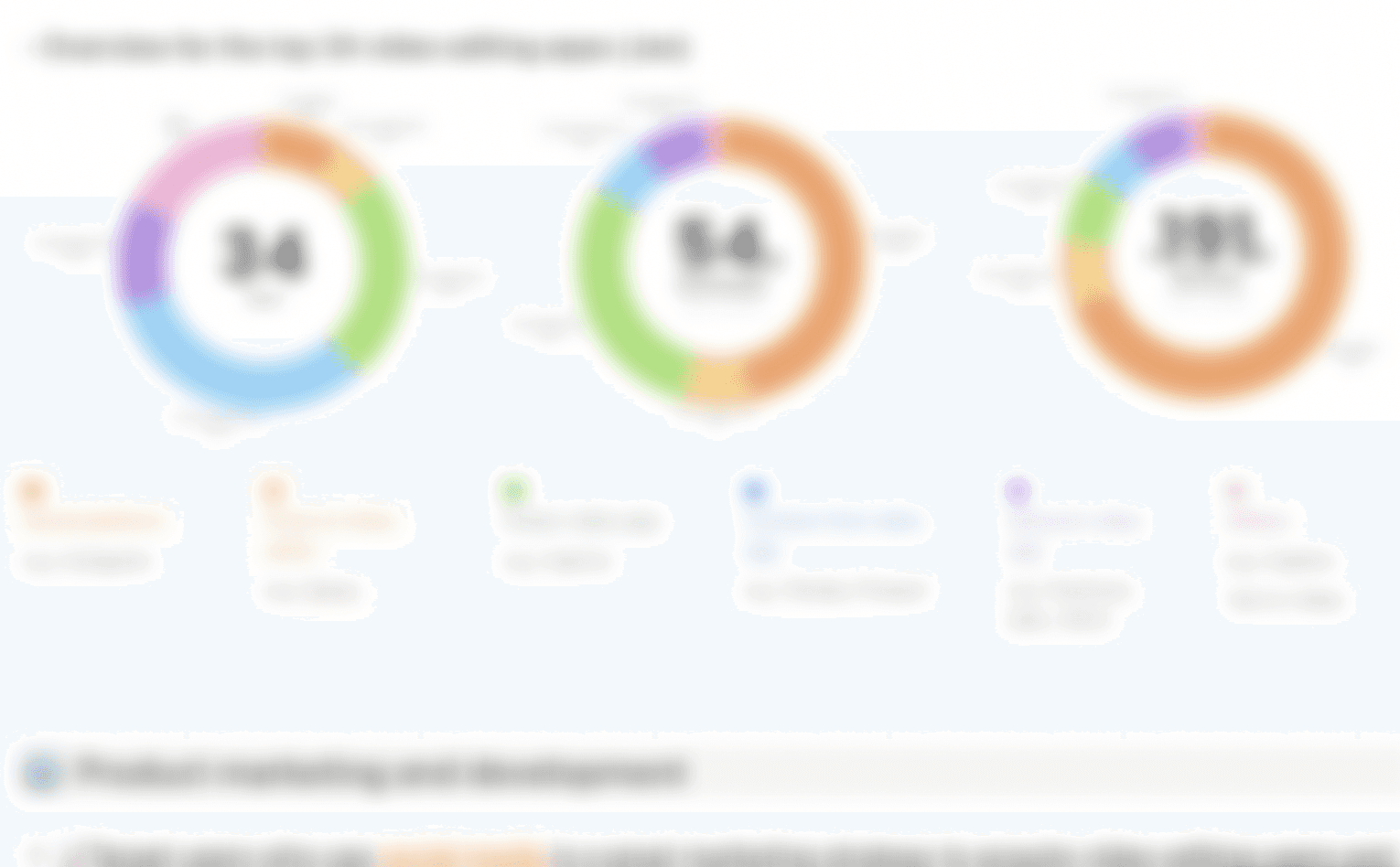
Quantitative Research
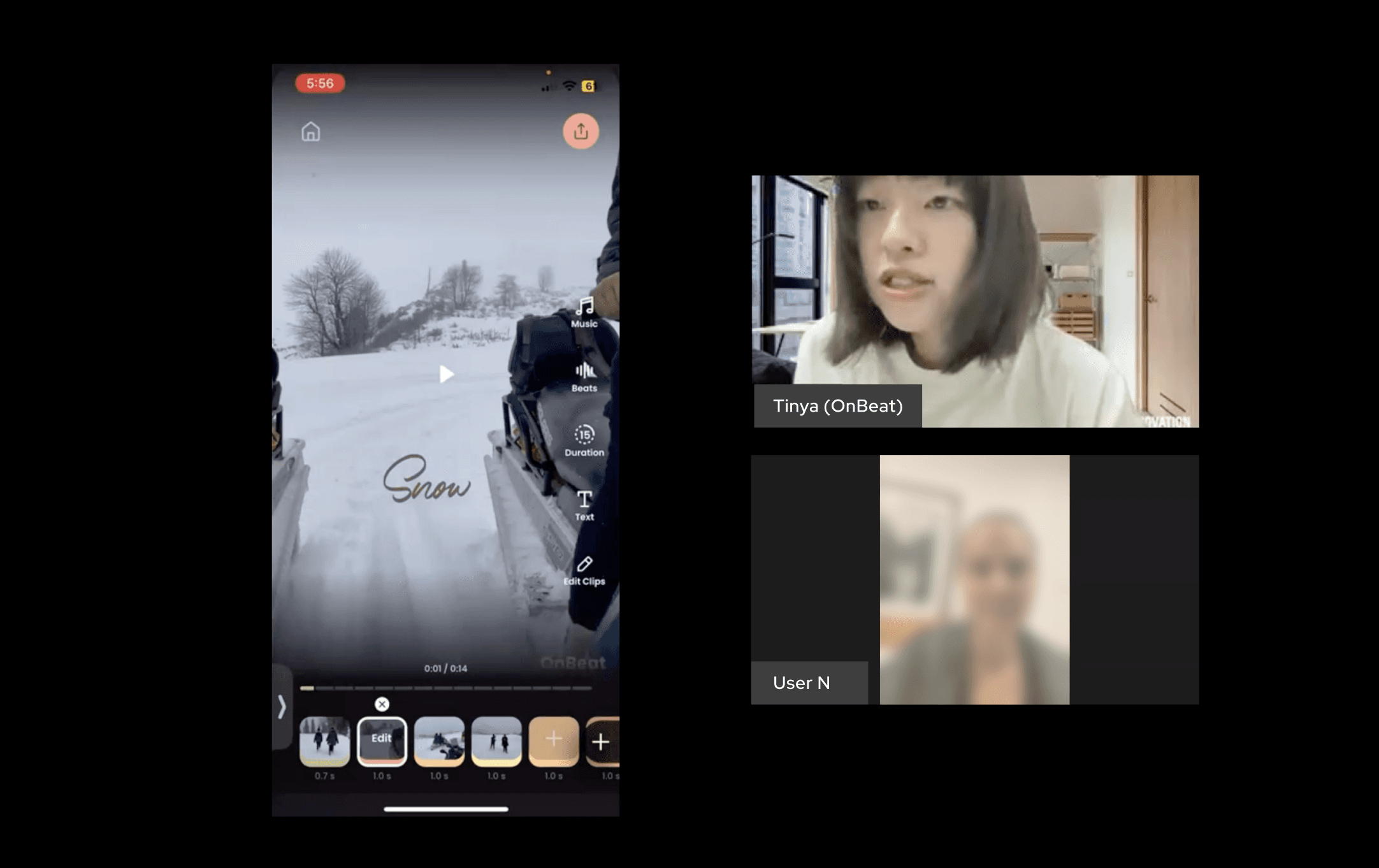
Qualitative Research
Redesign
Simplify Complexity
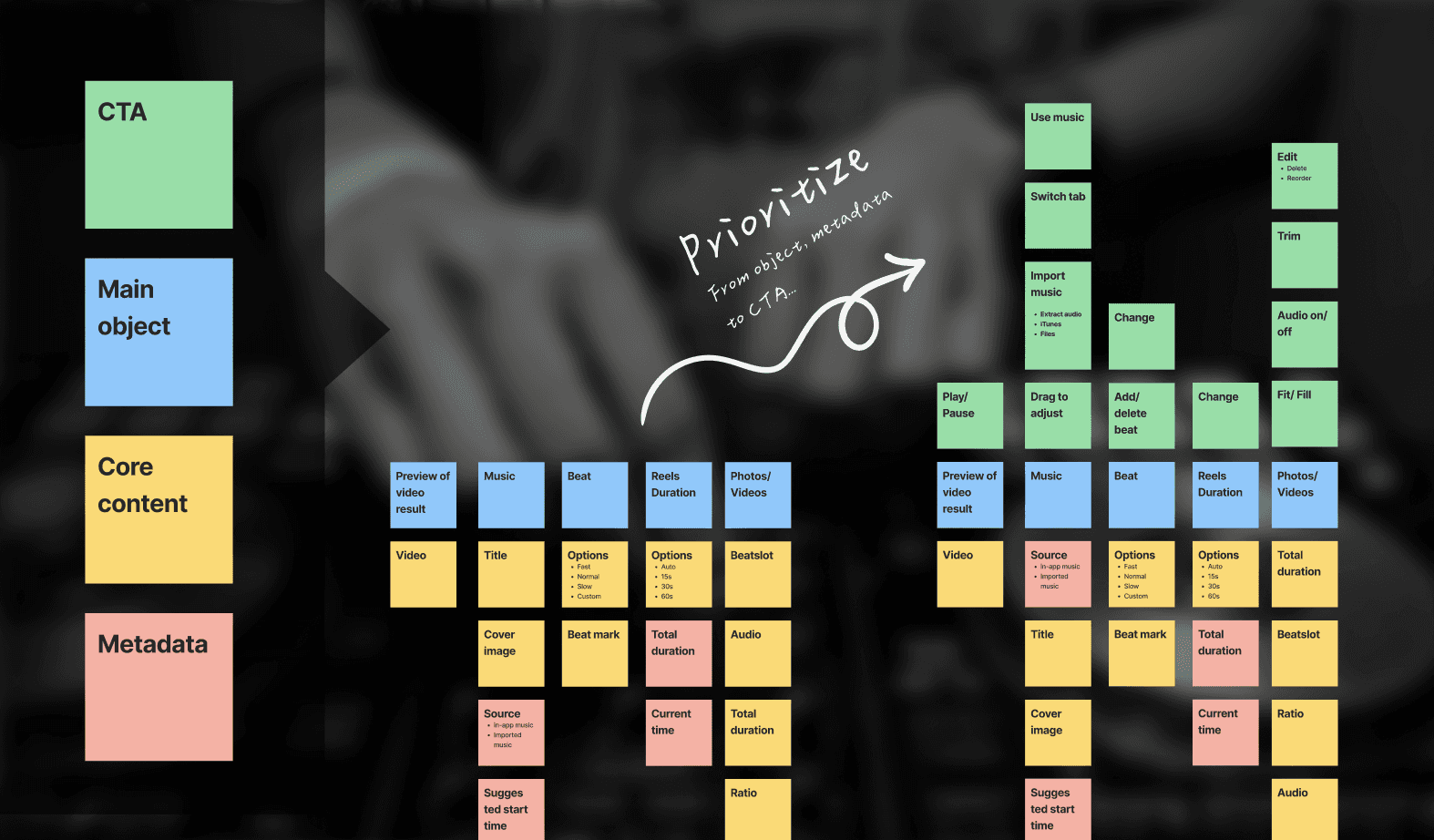
First, we restructure the information architecture to reduce cognitive load with OOUX
We applied OOUX (Object-oriented UX) to simplify editor info into objects, content, metadata, and CTA, guiding users to 'Sync every edit to the beat', informed by research.
OOUX
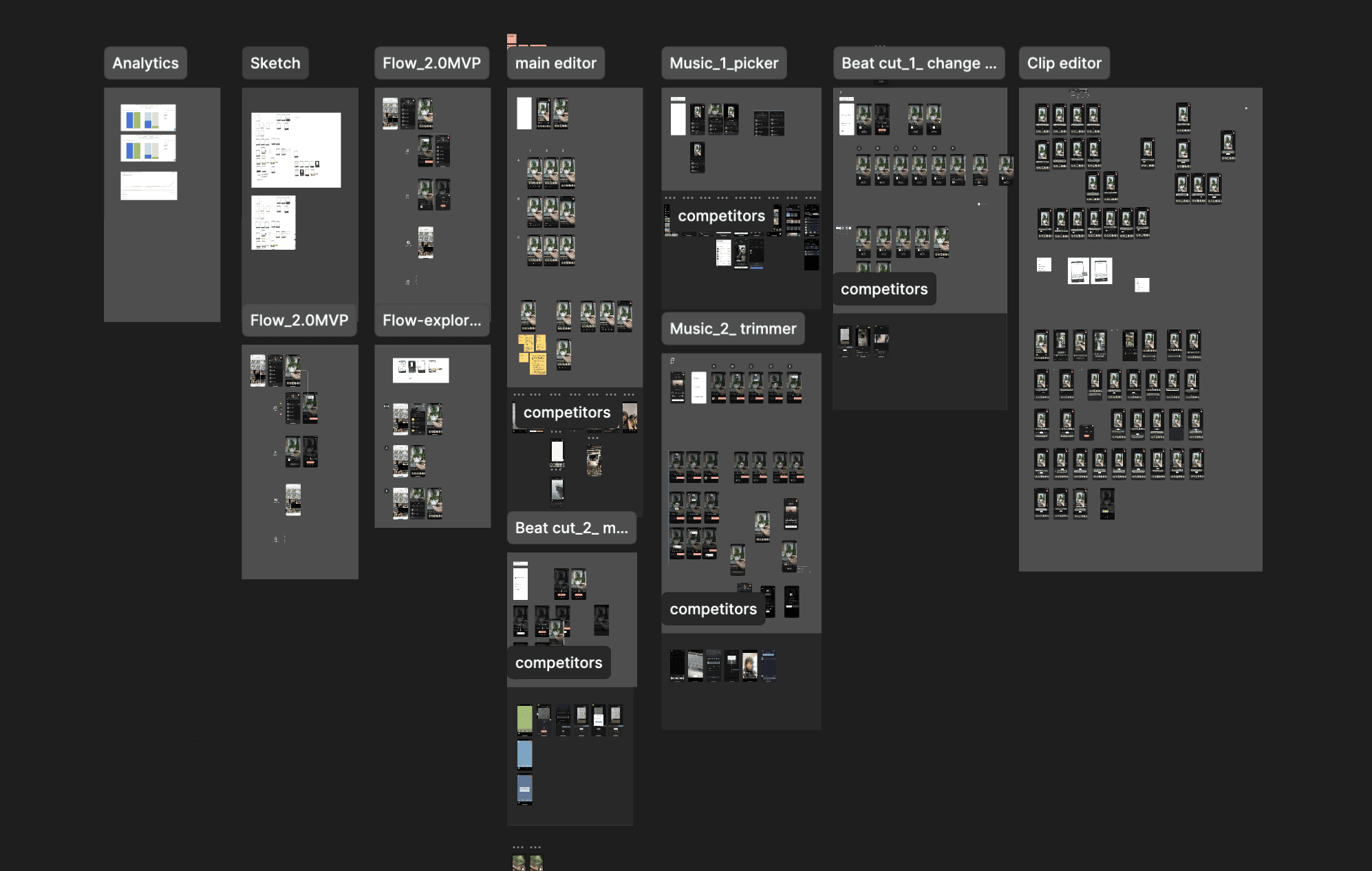
Design Exploration
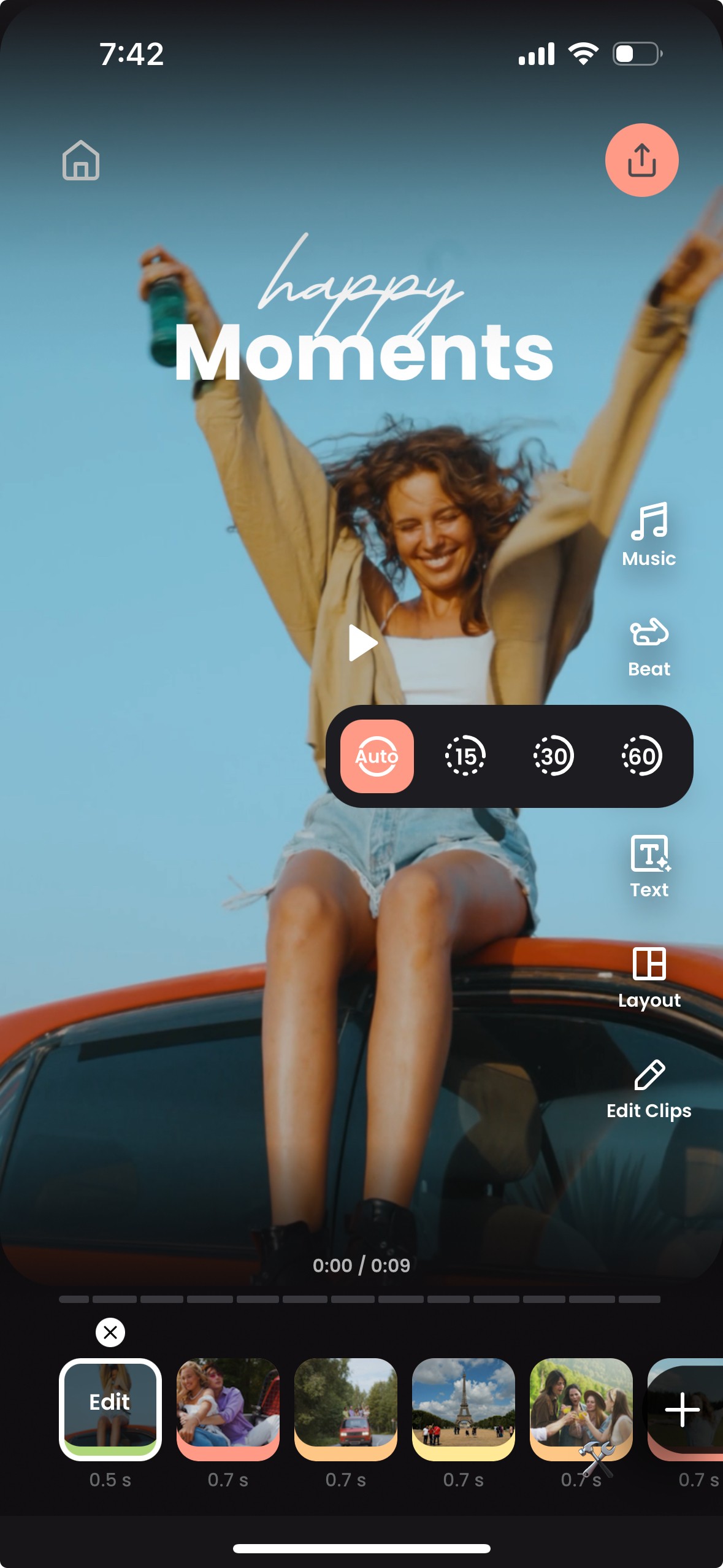
Secondly, spotlight valuable features at toolbar in main editor
Sound On
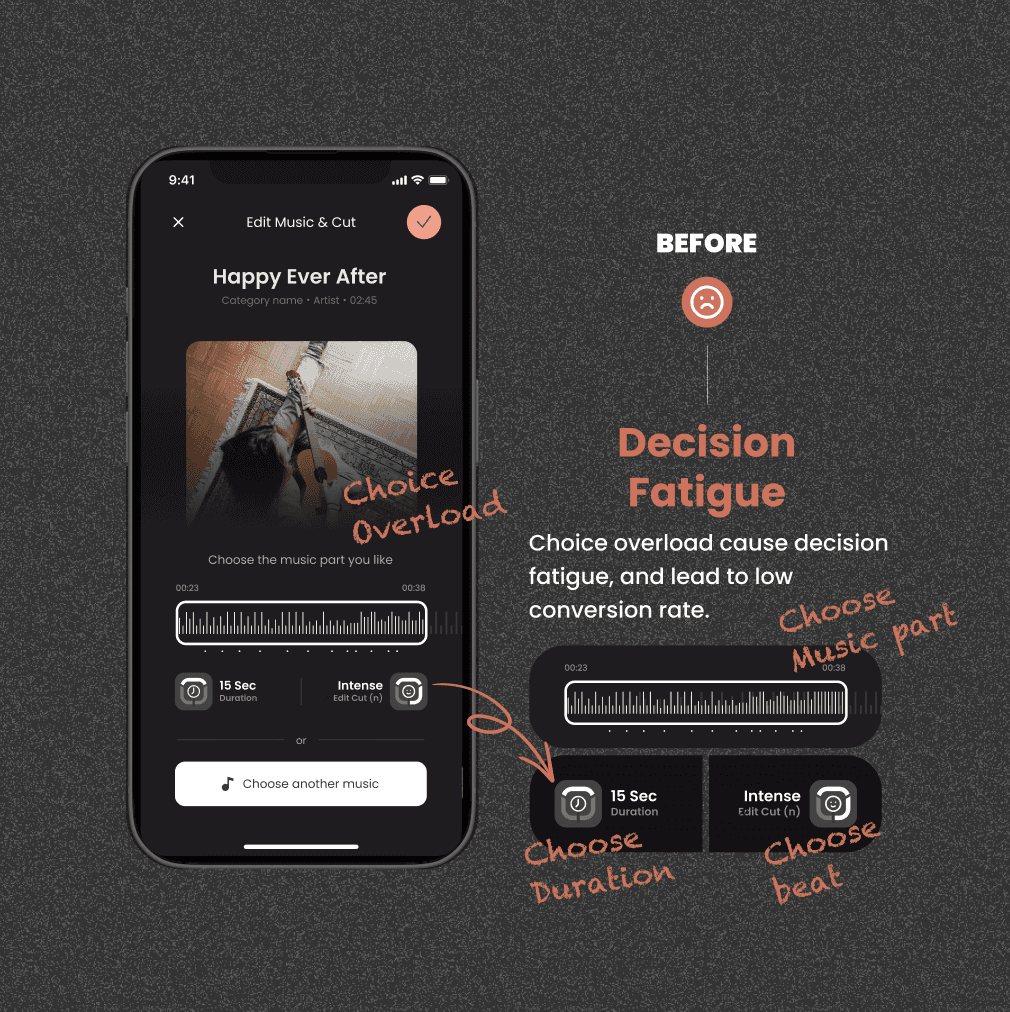
Lastly, make users focus on one main task in editor at once
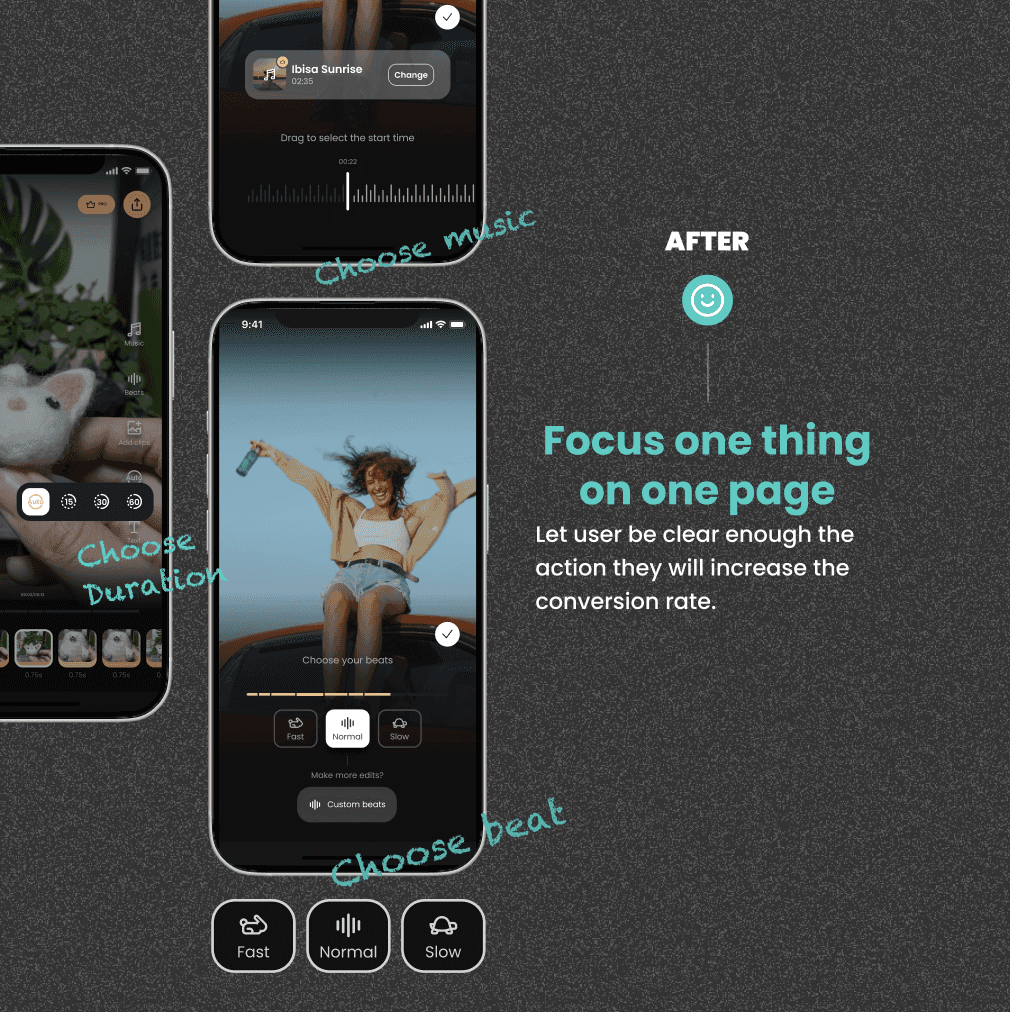
Now, let's check the final design!
Music Editor
Pick hit songs, still stay on beat
Change music, and we will auto sync music with the beat for you.

Sound On
Sound On
Beat Editor
Choose tempo, still stay on beat
No matter how fast or slow the tempo you choose to fit your vibe, we'll stay on beat and you won't have to think about it.
Duration Editor
Change duration up to 60 sec, still stay on beat
Customize clip duration up to 60 sec for stories, reels, and more, based on your content.
New features
Strengthen our values
Stick to the flexibility, we also develop 2 features that haven't shown in the market at the moment.
Clip Editor
Trim to the beat in one tap, tay on beat
Key issues with competitors beat sync feature is ability to change the vibe by changing features while editing: video duration shortening, music changes, tempo changes
Sound On
Sound On
Text duration editor
Modify text duration, still stay on beat
Skip hours matching text to the beat. Just select the clip you want to add text. Tada! It syncs to the clip perfectly.
04. Impact & Takeaway
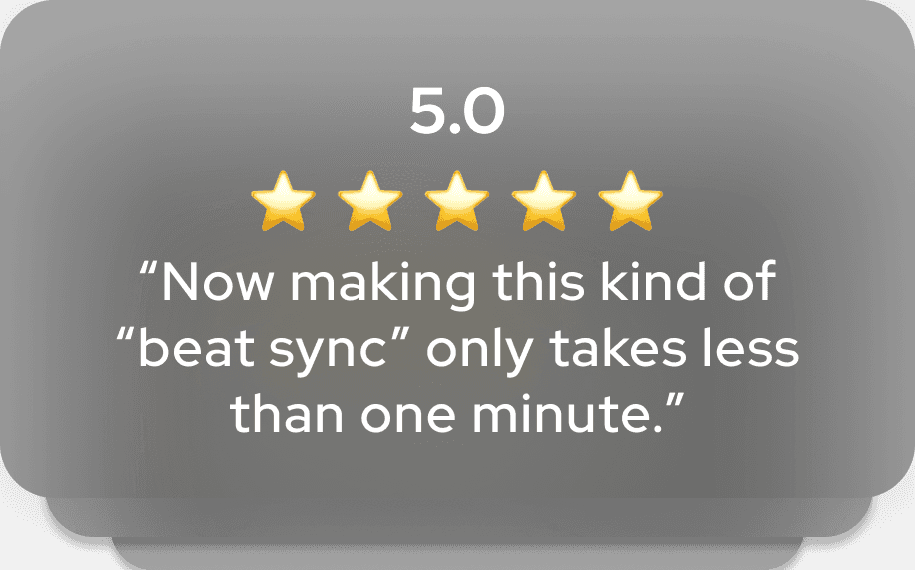
We not only increased activation and retention, but received lots of positive reactions and support through valuable feedback.
Takeaway
Focusing on solely on UX in a competitive market poses risks to capturing value.
Providing value is one thing; ensuring users perceive it through simple UX is vital.
OOUX effectively simplifies UX, it not only help me align with dev, but learn more about technical intricacy.